
Deploying Azure Data Factory
In my previous post I created an instance of Azure Data Factory to process files and backed it with Azure DevOps source control. In this post I’m deploying that Azure Data Factory to a production environment.
Code Repository
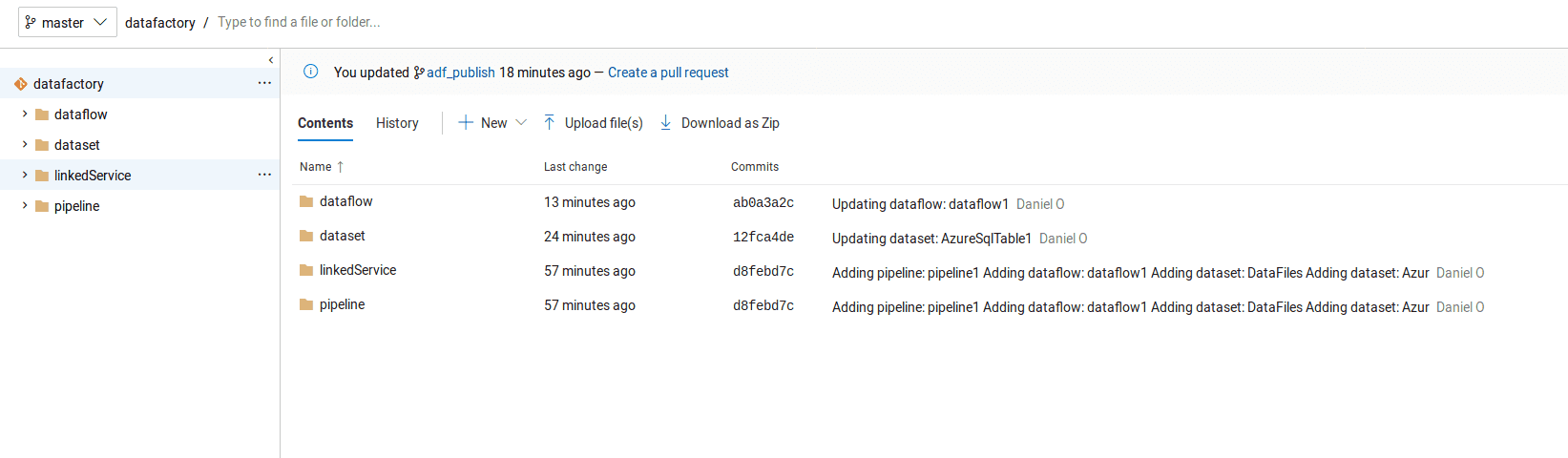
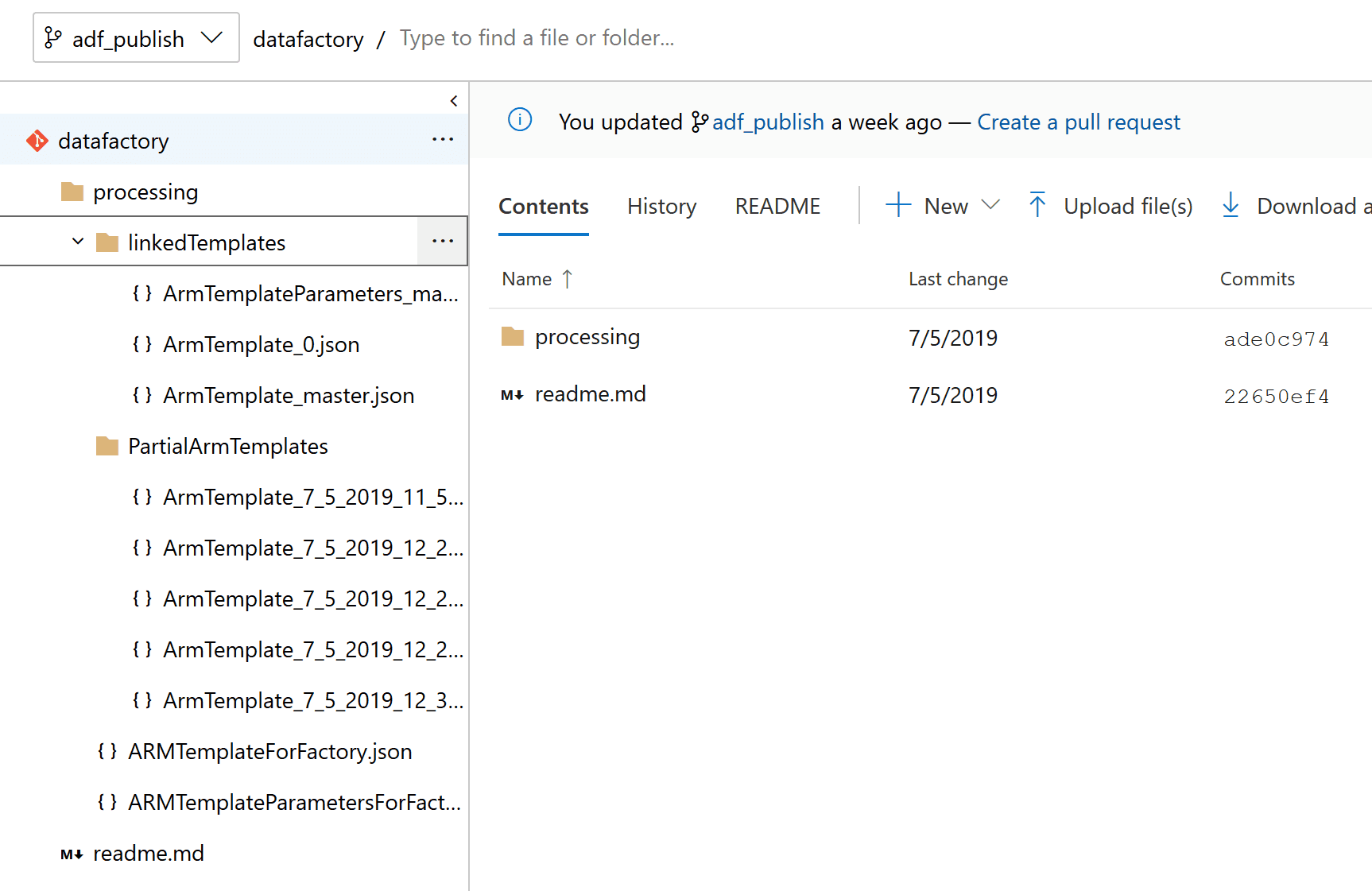
The important thing to remember from the previous post is that when an Azure Data Factory has a backing code repository setup, then each publish of the Azure Data Factory will push a set of ARM Template exports to the “adf_publish” branch automatically.
adf_publish:
New Data Factory
Setting up variables with names of things.
$currentTime = (Get-Date).ToUniversalTime().toString("yyyyMMdd-HHmm");
$armDeploymentName = $currentTime
$dataFactoryName = "adf-production";
$resourceGroupName = 'DataFactoryProd'
Creating a new resource group
$resourceGroup = New-AzResourceGroup $resourceGroupName -location 'East US'Creating a new Azure Data Factory
$dataFactory = Set-AzDataFactoryV2 -ResourceGroupName $resourceGroup.ResourceGroupName -Location $resourceGroup.Location -Name $dataFactoryNameNow before deploying the pipelines and datasets and such, the ARM Parameter file in the repository must be filled out.
{
	"$schema": "https://schema.management.azure.com/schemas/2015-01-01/deploymentParameters.json#",
	"contentVersion": "1.0.0.0",
	"parameters": {
		"factoryName": {
			"value": "adf-production"
		},
		"DriveData_connectionString": {
			"value": "<Look in Azure Storage for this connection string>"
		},
		"SQL_Table_connectionString": {
			"value": "<Do you have a database connection string>"
		}
	}
}
Deploying files from the adf_publish branch of the repository, which I’ve cloned into a local directory and am running this following command from:
New-AzResourceGroupDeployment -Name $armDeploymentName -ResourceGroupName $resourceGroupName -TemplateFile .\ARMTemplateForFactory.json -TemplateParameterFile .\ARMTemplateParametersForFactory.json -Mode IncrementalSummary
Updating an Azure Data Factory instance from another environment is easy enough that automating job updates between environments is smooth. And with this powershell, it’s build server agnostic.